
What Does My Porsche App Do? - App Features, Availability & Setup
My Porsche Features
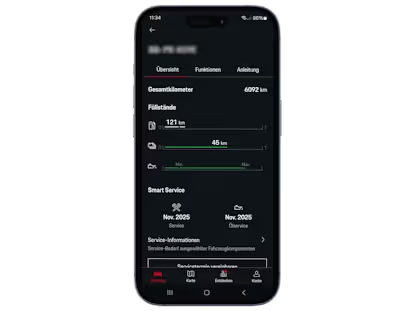
Smart Service
Takes the dashboard routine maintenance reminder even further, telling you when specific components are worn out and need to be replaced.
Activate / Connect
Allows you to activate connected features to use them right from your phone.
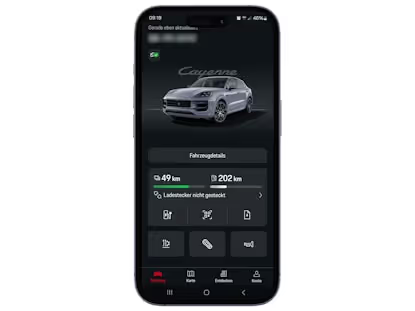
Car Control
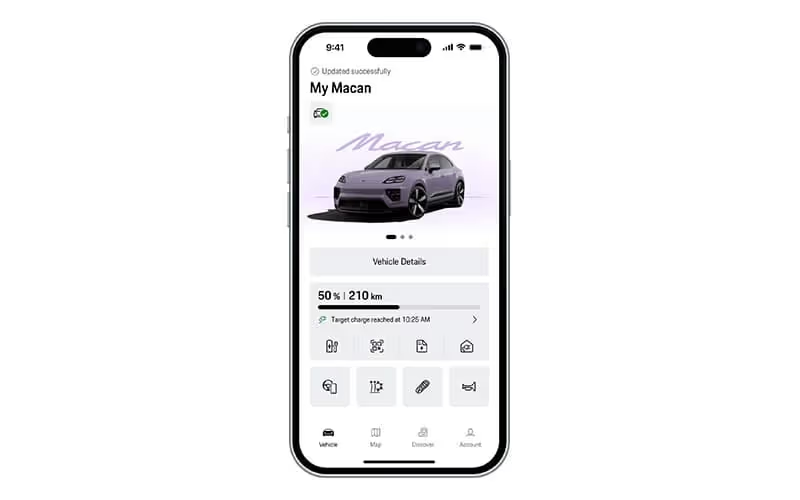
Provides information about mileage, fuel level and/or battery and charging status, oil level, and more.
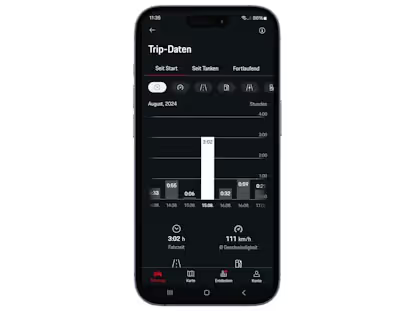
Trip Control
Trip information, including average speed, fuel/battery consumption, and duration.
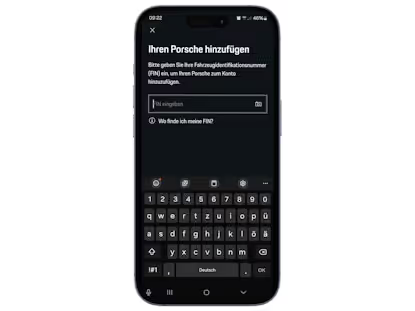
Add Vehicle
Part of the initial setup process, or a way to add another Porsche vehicle to the app.
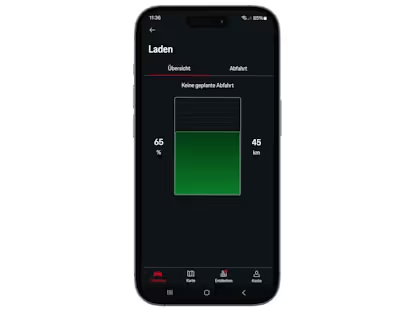
Charging Status
Relevant to the electric and E-Hybrid models in the Porsche lineup, this lets you check the charging status or schedule charging.
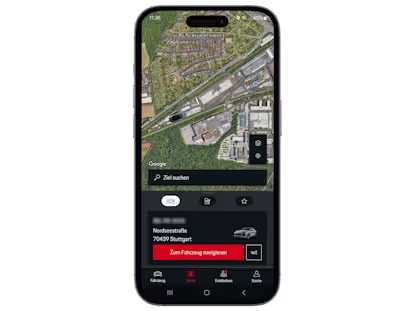
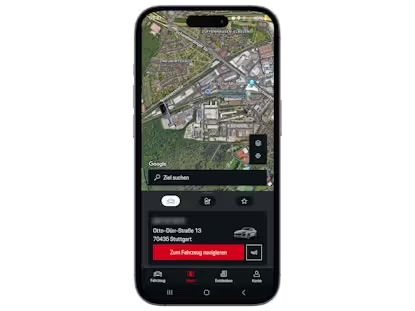
Car Finder
Locate your vehicle, no matter how crowded the parking lot.
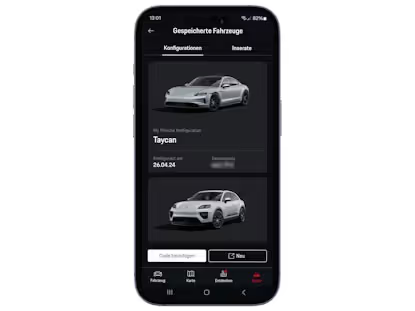
My Configurations
Porsche offers a lot of customization options on its vehicles, and once you’ve put in the time with the Porsche configuration tool to get your next Porsche configured just right - you want to be able to hang onto it to give to one of our sales representatives. My Porsche lets you save them right to the app.
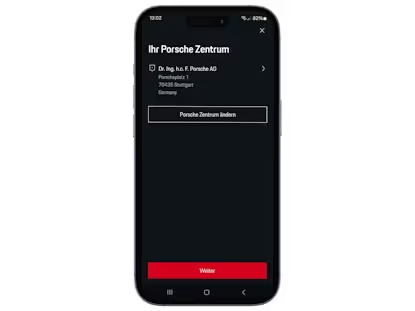
Service Appointment
No need to jump through a bunch of hoops to schedule a service appointment with us, just do it right from the app.
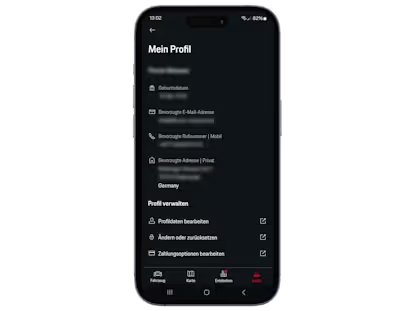
Porsche ID Profile
View and edit your Porsche ID Profile.
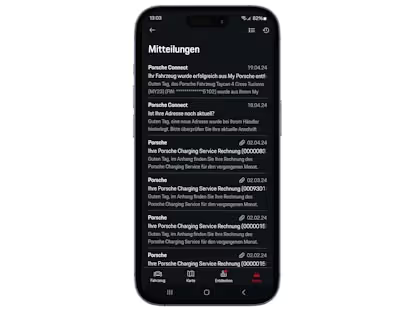
Messages
Porsche may periodically send you messages directly, which can all be found in the app.
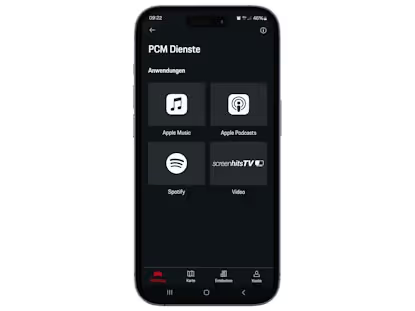
Apple Services
Link to your Apple Music account, so you can seamlessly stream music as you drive.
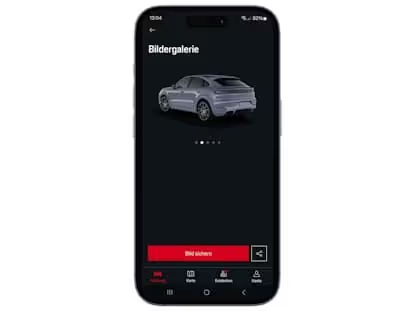
Vehicle Details
Shows basic vehicle information, like VIN, color, engine, optional equipment, and more.
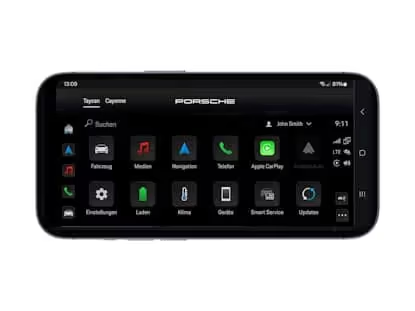
Taycan PCM Simulator
If you’re looking to make a switch to an electric vehicle, this feature lets you familiarize yourself with the distinct Taycan PCM before you try it out on the vehicle itself.
Video Tutorials
If there’s a feature on your vehicle that you don’t use very often, and you need a refresher, you can find one here.
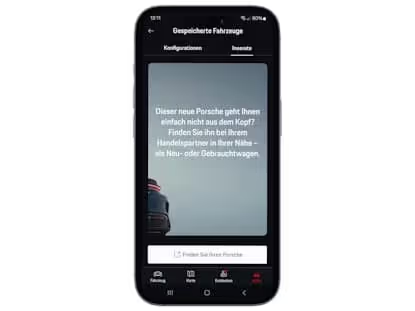
Track Your Dream
The anticipation of waiting for the new Porsche vehicle you’ve just ordered can be eased a bit by monitoring the progress from build to delivery on the app.
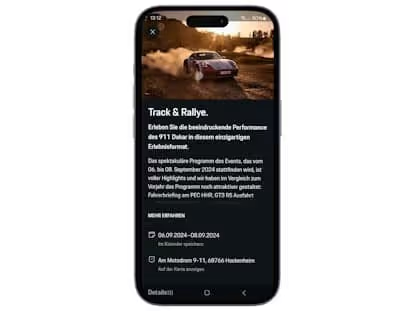
My Porsche Events
Events in your area that are hosted by Porsche or Porsche partners can be found here.
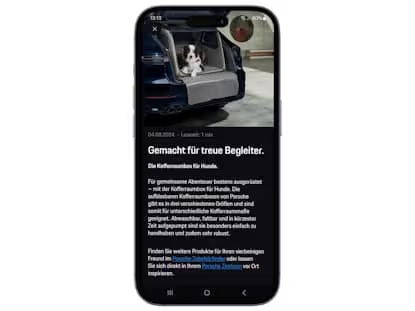
Specials
Accessories, service specials, or experiences, all designed specifically for your vehicle, can be found here.
How to Use the My Porsche App
Installing The My Porsche App
- Download the app. You can find it by searching in whichever store you use for apps, or by following these links to the Play Store or the App Store
- Register your account with your name and email address. You will receive an email to let you know this has been successful.
- Create a password and log in.